Keep the whole trip connected
A booking connects the client, route, service details and money records. You can return to the same trip without piecing together separate notes.
A workspace for private drivers
A workspace for private drivers: bookings, clients, charters and money records, on iOS and Web.
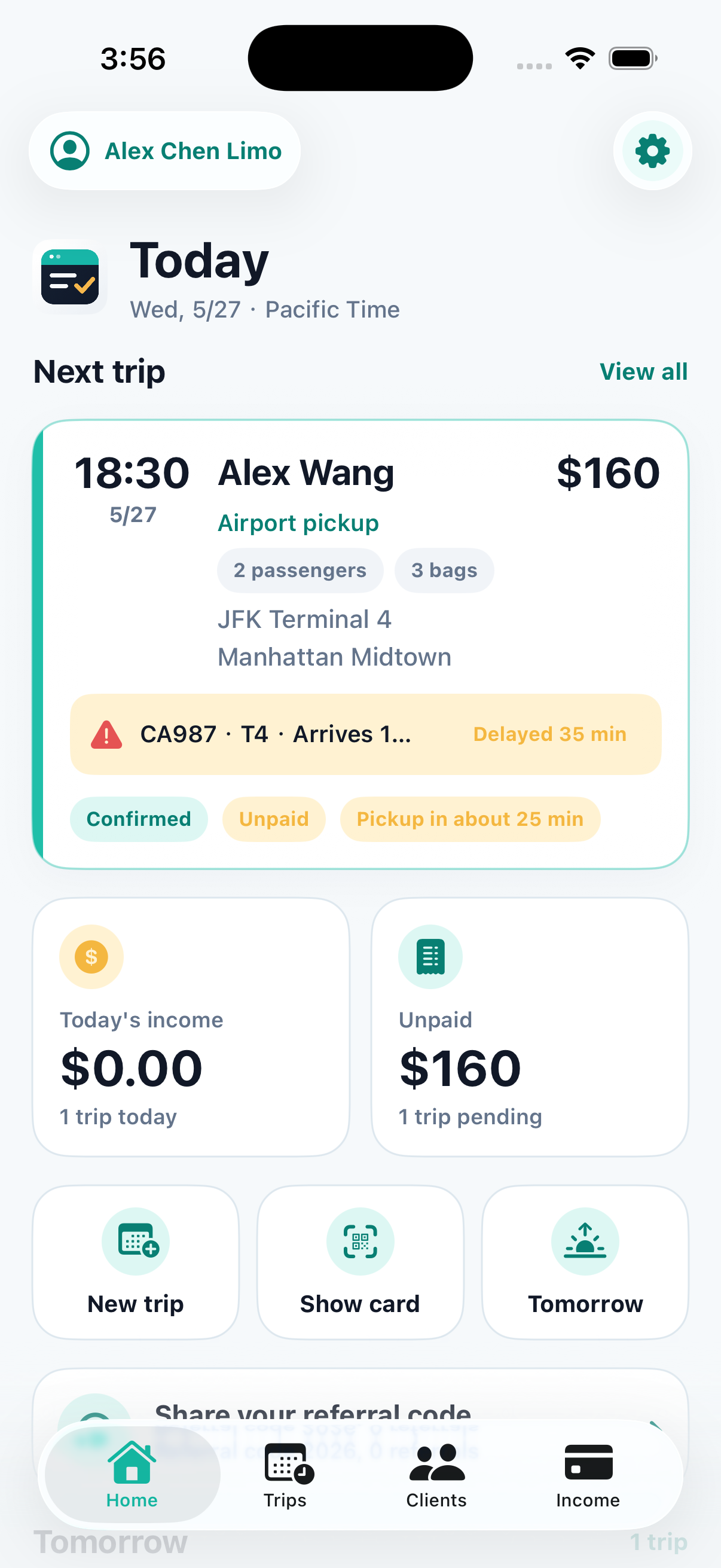
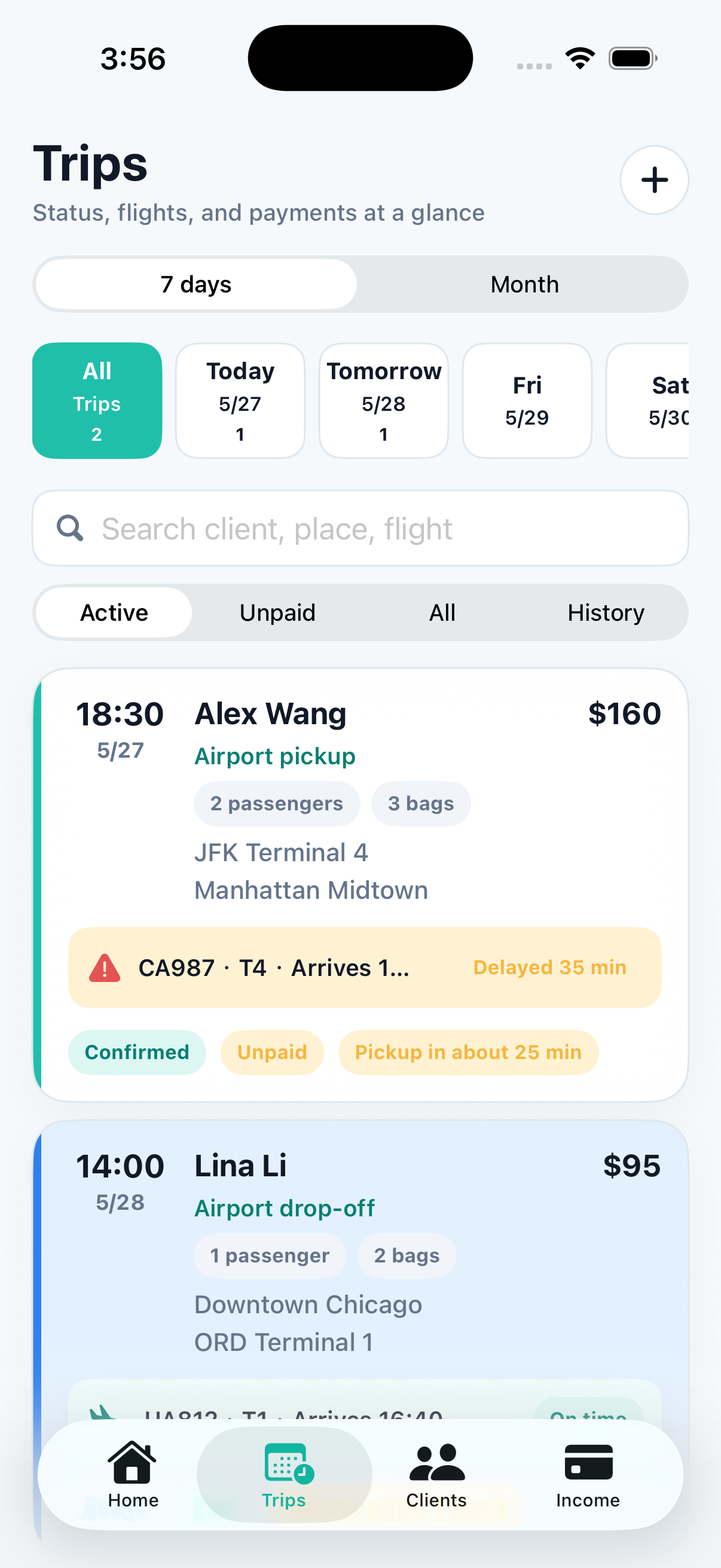
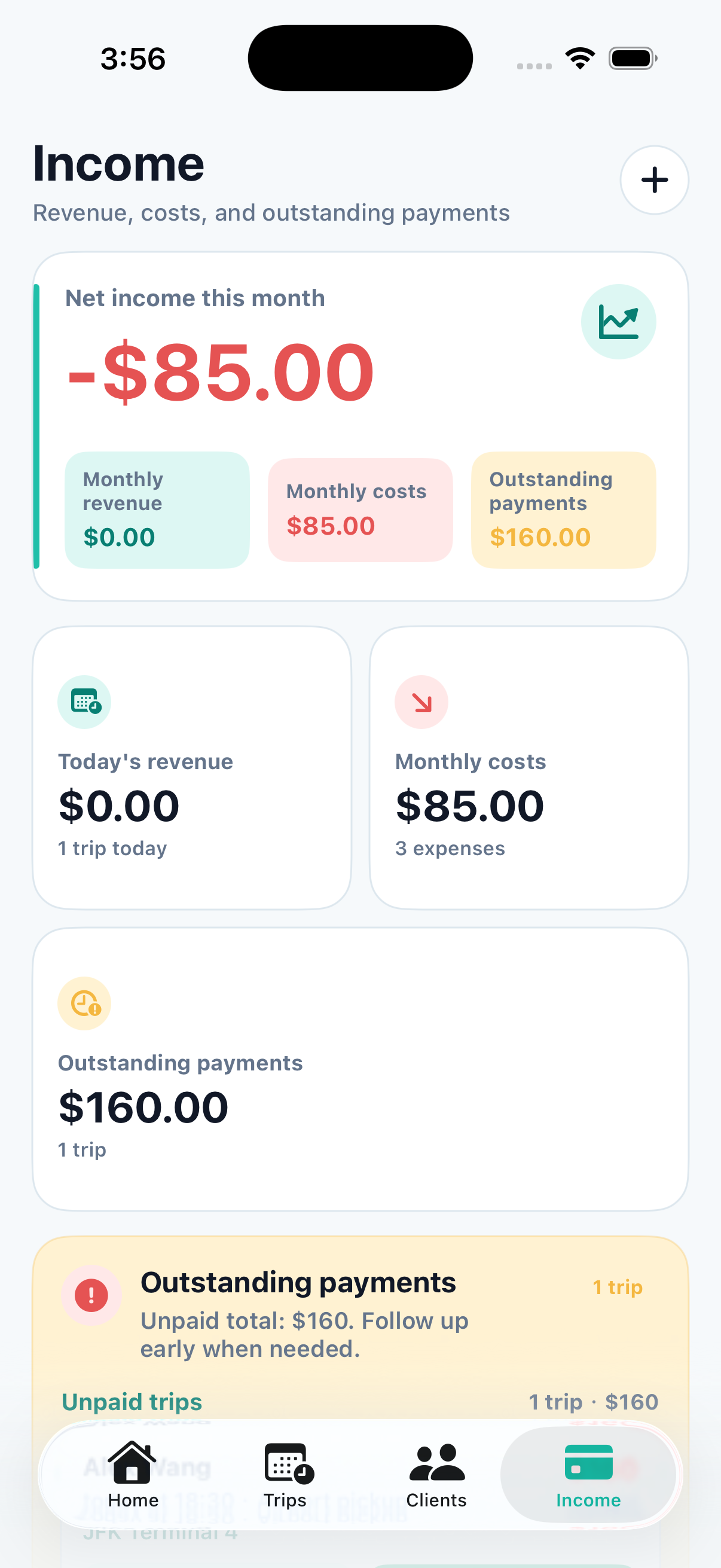
Demo workspace screenshots. Screen layout may vary by release.
Built for the bookings and clients you already have. RideKip is a management tool, not a marketplace that supplies passengers.
A booking connects the client, route, service details and money records. You can return to the same trip without piecing together separate notes.
Private rides, multiple destinations, daily charter schedules and transfers each have their own details, while remaining part of one workspace.
Trip progress, money collected, costs paid and balances still owed are different records. Finishing a ride does not hide an unpaid balance.
Choose English or Chinese and keep region preferences separate. On iOS, previously synced trip information remains available to view offline.
Features
Manage day-to-day rides and more complex work, from repeat clients and multi-day charters to collections and business records.
Keep pickup times, routes, clients and service status together. Use the calendar for this month and future work.
Explore feature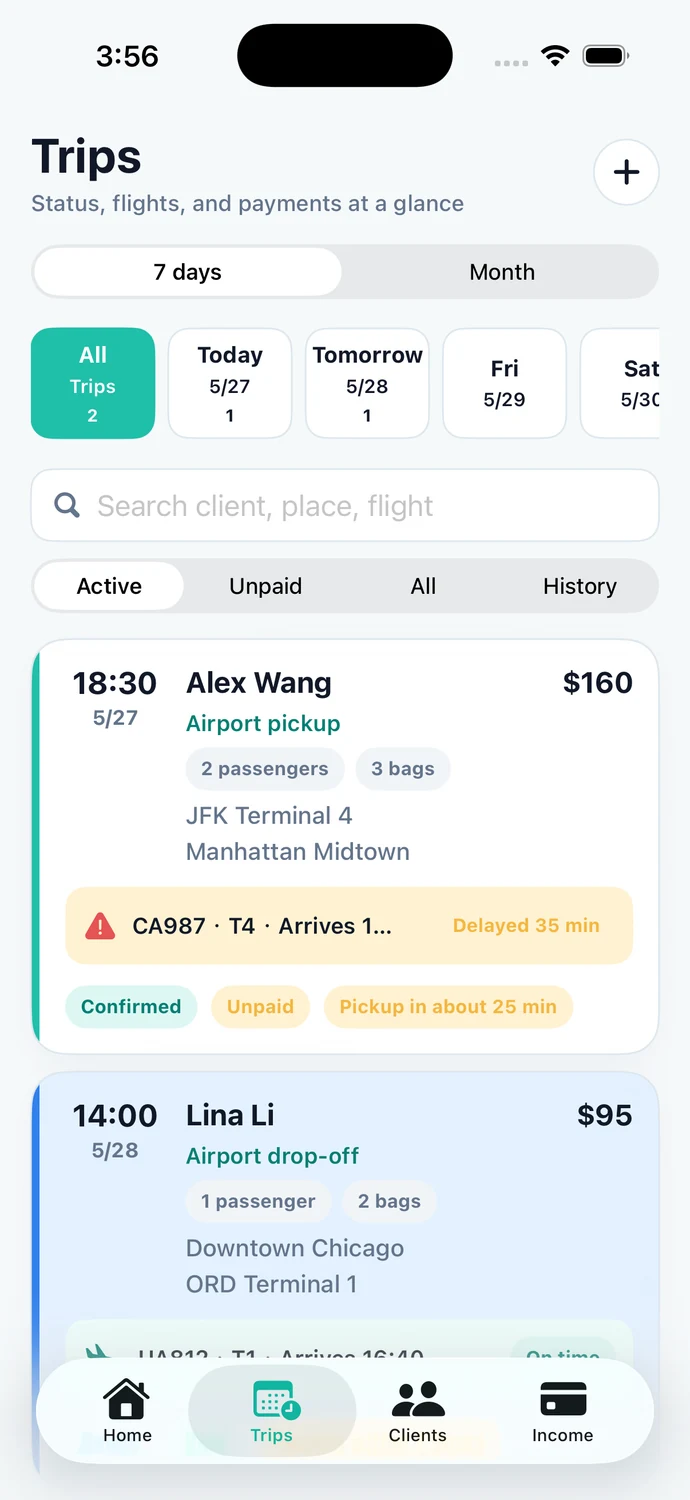
Plan each day separately and record actual times, overtime and customer advances against one order.
Explore featureSave repeat-client details, contact preferences, notes and commonly used addresses.
Explore feature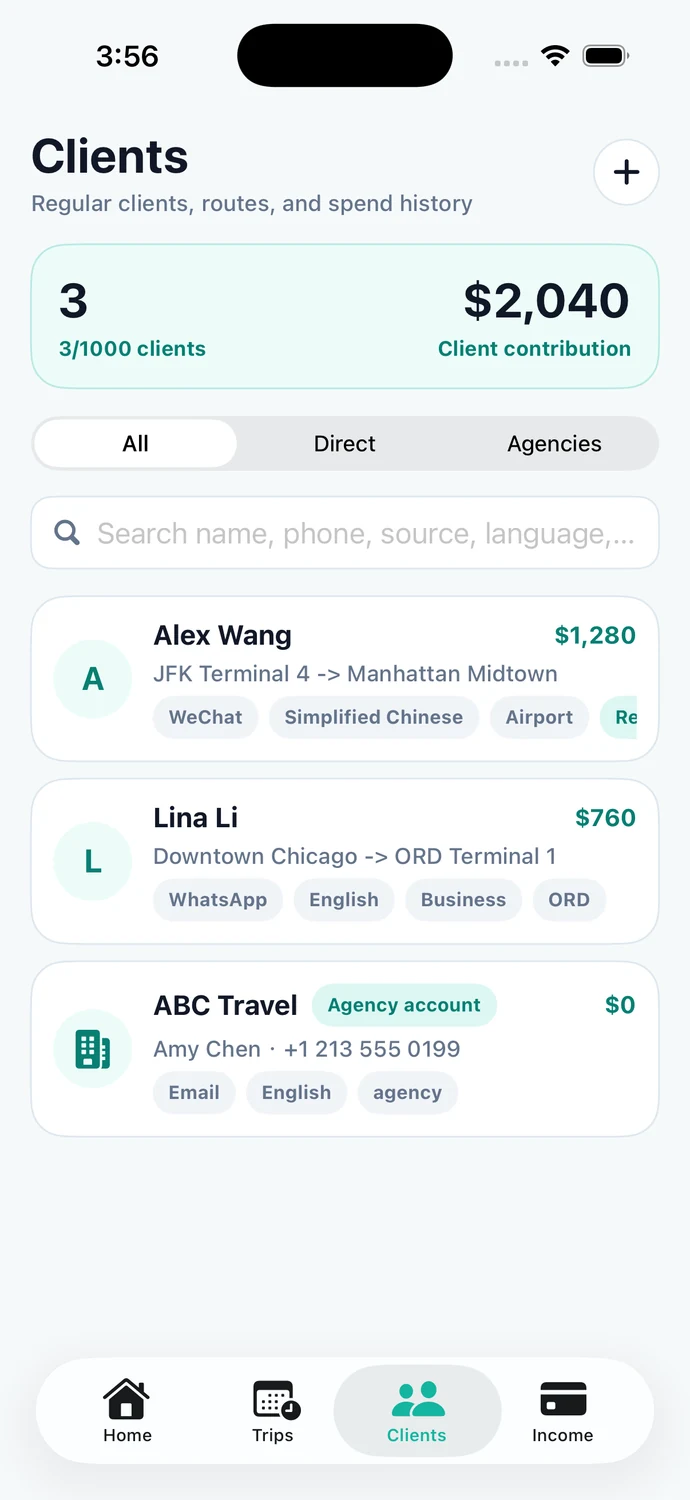
Review collections, tips, information fees and costs by their actual transaction time.
Explore feature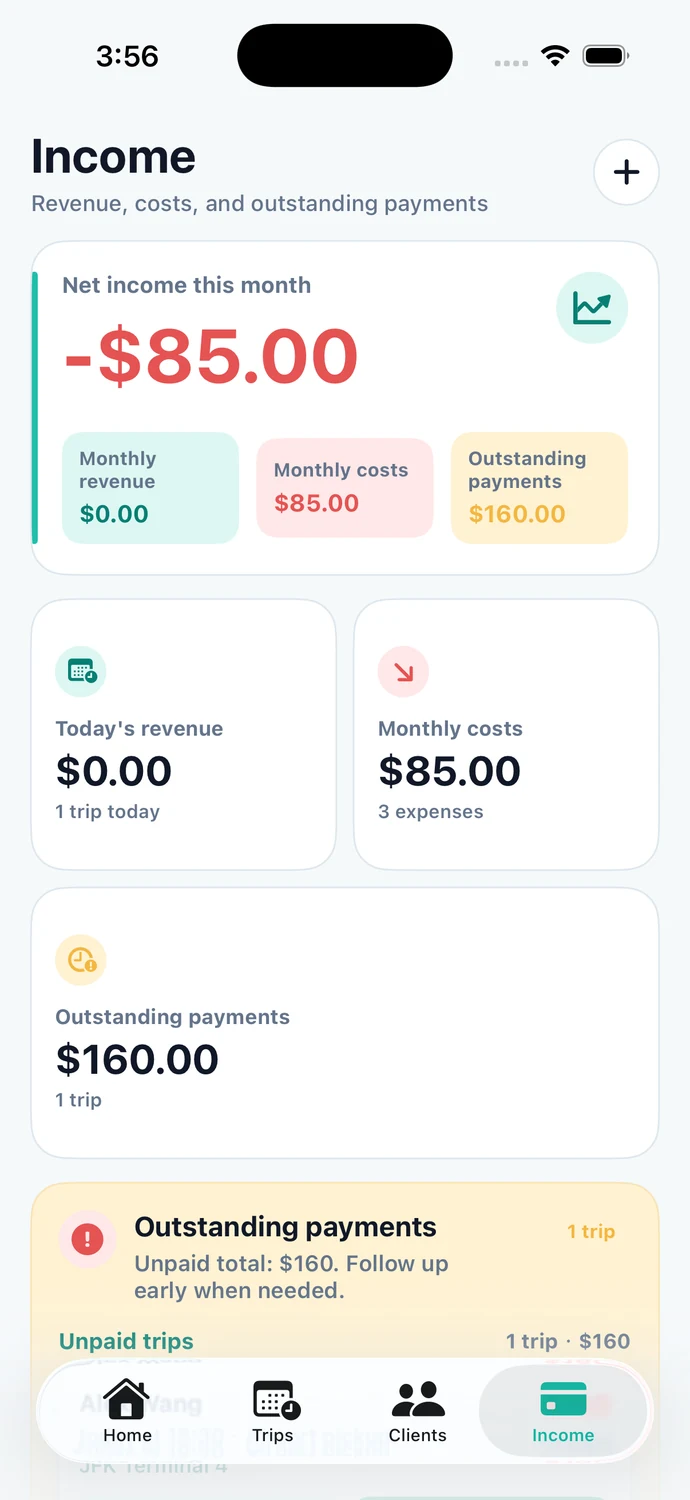
Send an order to another account, confirm acceptance and retain a record of progress and transfer fees.
Explore featureCreate PDF receipts and review business records, statements and more detailed reports.
Explore featureSet trip reminders and keep flight details close to the relevant airport booking.
Explore feature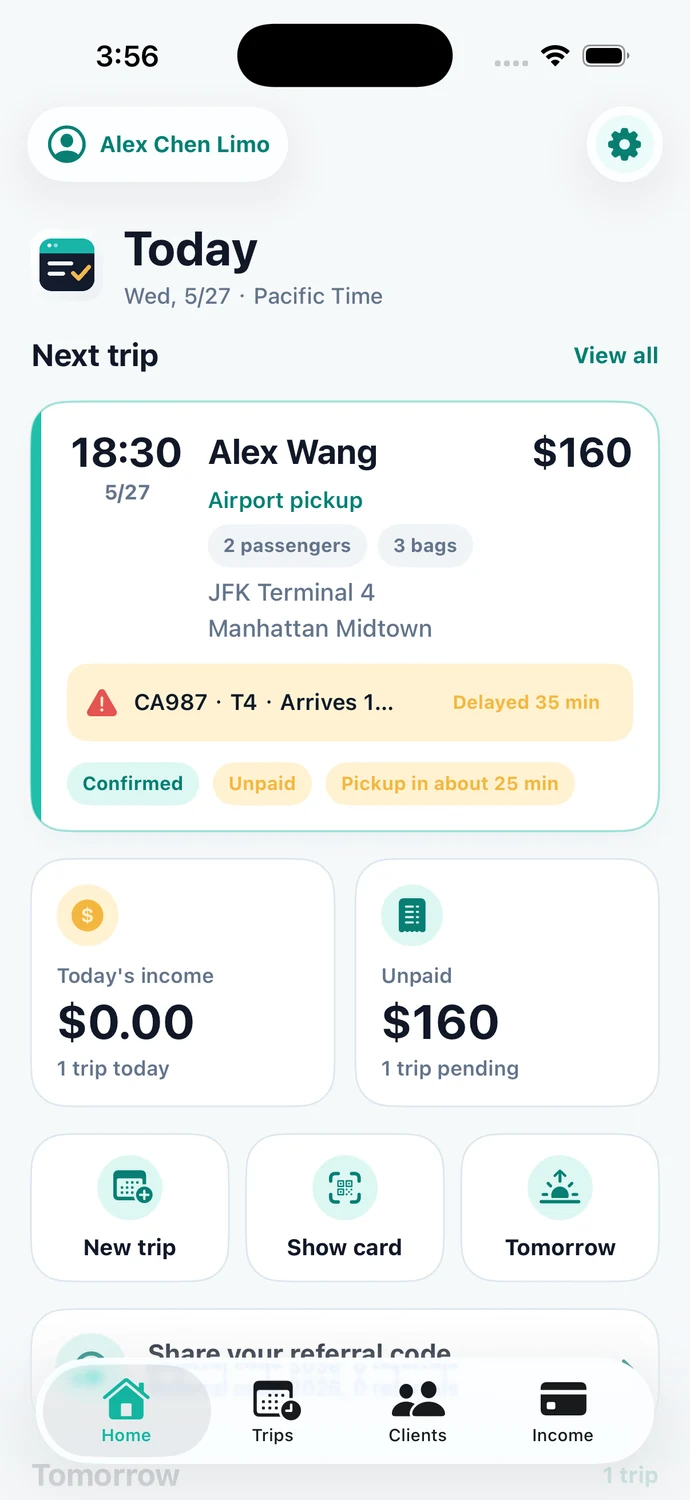
Import existing orders from a computer and inspect detailed lists and reports on a larger screen.
Explore featureiOS
Check your calendar, open trip details, contact a client and record a payment without turning every task into office work. Previously synced trip data remains available to view offline; live updates need a connection.
Download for iOSWeb
Use a larger screen for bulk order imports, detailed transaction lists and reports. The Web workspace complements the iOS app rather than repeating every mobile screen.
Web workspaceNo. RideKip helps manage your own bookings and clients. It is not a ride-hailing marketplace.
Yes. Private rides and charter bookings belong in the same workspace. Airport trips can also include flight details when relevant.
The app and Web workspace support English, Simplified Chinese and Traditional Chinese. Language and your operating region are separate preferences.
Use the Web workspace on a computer for bulk imports. Review the import preview and any errors before confirming.
Start with your bookings and build a clearer record of your daily work.